To register your Solar Activity Monitor, first switch it on using the cable provided and a suitable 5V power source like a phone charger.
The Solar Activity Monitor will go into “Wifi Config Mode" and will create a secure Wifi hotspot by the name of "Solar Activity Monitor". Now go to your device's settings i.e. laptop, mobile phone etc… and connect to it entering the password which can be seen on the Solar Activity Monitor’s screen. The Portal is WPA2 secured.
You will be presented with a Captive Portal (shown below), go ahead and press “Configure Wifi” button.
The device will scan the local area and present you with a list of Wifi Access Points, select the one you wish to connect to and type in the password in the password field and then press the “Save” button.
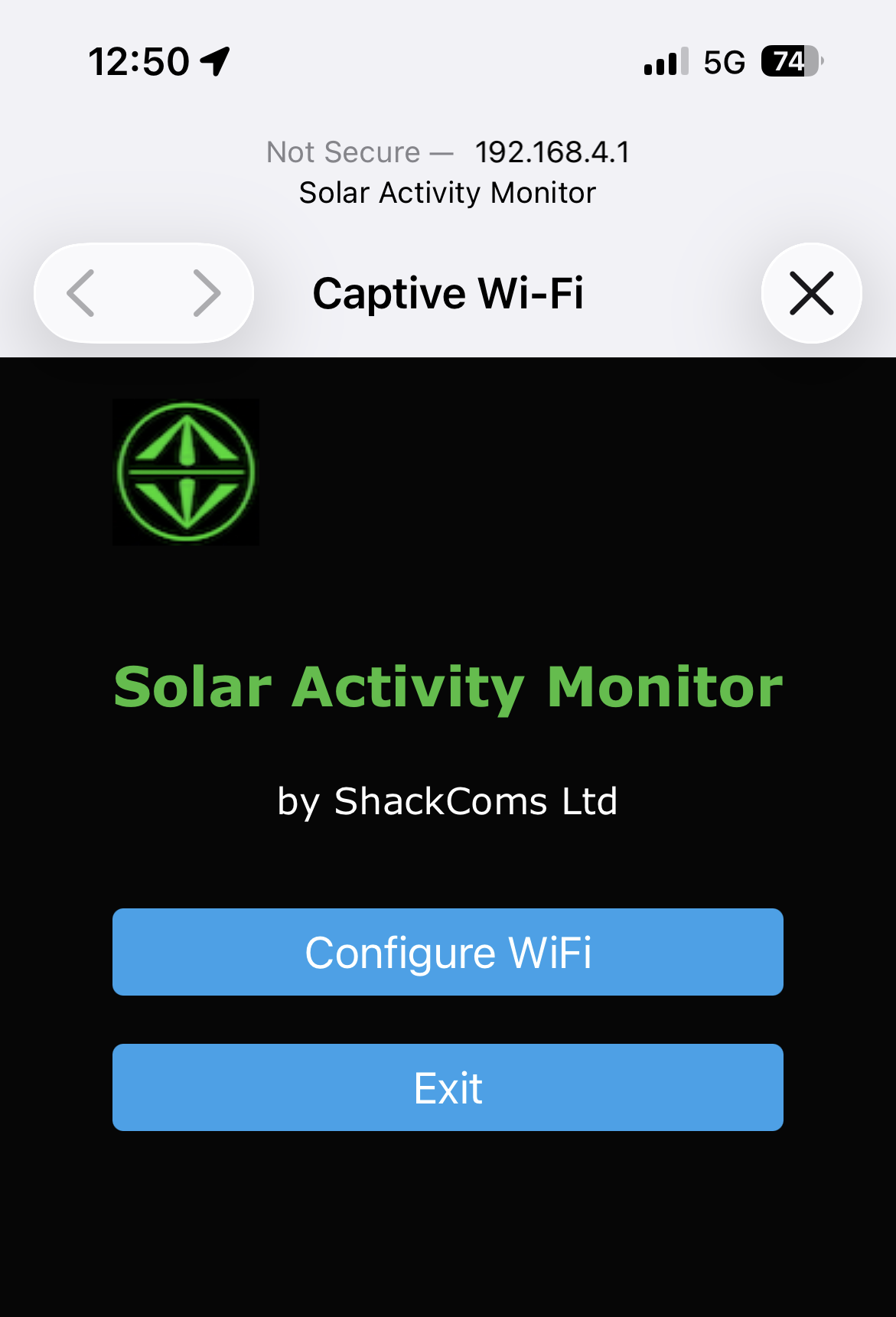
Should a captive portal not appear, you can use your browser by typing in http://192.168.4.1 in the url window. You should now be able to put in your credentials.
You will see “Wifi Parameters Saved” on the Solar Activity Monitor and then the display will show “Connected!".
Next a display with “Device not registered” will appear with your serial number and here you will be required to enter the serial number and your callsign into the form below.
The serial number may contain zeros, this is not an ”O” as in Oscar but a zero.
Also the serial number is not the wifi password either which starts with 24...
Once your Solar Activity Monitor is registered, switch it off and on, it will now connect to your Wifi and start displaying information.
To configure your display, go to the Settings page.